Apptainer GUI R Studio Server
see the link RStudio on Pegasus https://acs-docs.readthedocs.io/clusters/pegasus-only/1-soft/2-data_science/RStudio.html#run-rstudi%E2%80%A6. Do not run Jupyter Notebook and RStudio container applications directly, as they will continue running on login nodes. This guide demonstrates the way to run container applications on HPC systems. These Containers should only be used for specific applications when the required software modules are not available on the HPC cluster.
Before running any container application, please raise ticket here, based on your project requirements and we will recommend the best execution approach to run your application.
To know sample Rstudio container execution Create apptainer tidyverse_long.def file with environment variables of user_id and password. export LC_ALL=C means which support scirpts in all languages for container to run applications. Containers are read-only, but RStudio will want to be able to write configuration and temporary files in the home. Let us bind mount the current work directory as the container home. There’s a little caveat here, in that the actual username in the RStudio server will be rstudio if the host user has ID equal to 1000 (first user in the system), and it will instead be the same as the host $USER otherwise. Let us code these conditions as follows:
$ vi tidyverse_long.def
Bootstrap: docker
From: rocker/tidyverse:3.6.1
%environment
    export LC_ALL=C
    export PASSWORD=password
    echo $USER && echo $PASSWORD
    export R_USER=$USER && [ "$(id -u)" == "1000" ] && export R_USER=rstudio

%startscript

  export R_PORT=${R_PORT:-"8787"}
  export R_ADDRESS=${R_ADDRESS:-"0.0.0.0"}
  rserver --www-port $R_PORT --www-address $R_ADDRESS --auth-none=0 --auth-pam-helper-path=pam-helper

%test
  echo $USER && echo $PASSWORD

%labels
  Author IDSC Miami University Supercomputing
  Version 0.0.1
Apptainer builds tidyverse_long.sif image using def file. Initially you need to get the fake root permissions from IDSC HPC team and request to raise the ticket with brief description of project requirement here.
$ apptainer build --fakeroot tidyverse_long.sif tidyverse_long.def
INFO:    Creating SIF file...
INFO:    Build complete: tidyverse_long.sif
Instance myserver will be created by an apptainer which will bind to present working directory (pwd) to the path of /home/path.
$ singularity instance start -c -B $(pwd):/home/$R_USER tidyverse_long.sif myserver
INFO:    squashfuse not found, will not be able to mount SIF
INFO:    fuse2fs not found, will not be able to mount EXT3 filesystems
INFO:    Converting SIF file to temporary sandbox...
INFO:    instance started successfully
$ singularity instance list
INSTANCE NAME    PID      IP    IMAGE
myserver         18808          /tmp/rootfs-1436356434/root
Below command shows userid and password passed as environmental varibles.
$ singularity exec instance://myserver echo $USER $PASSWORD
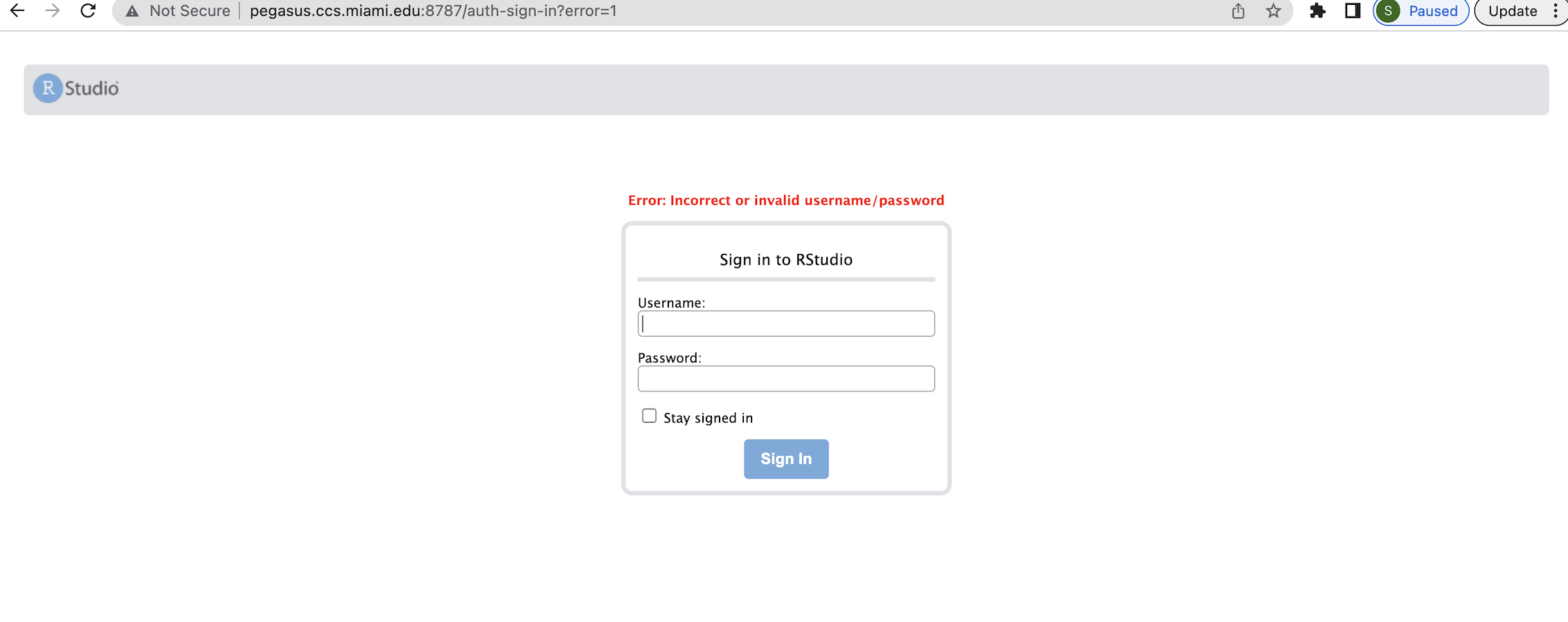
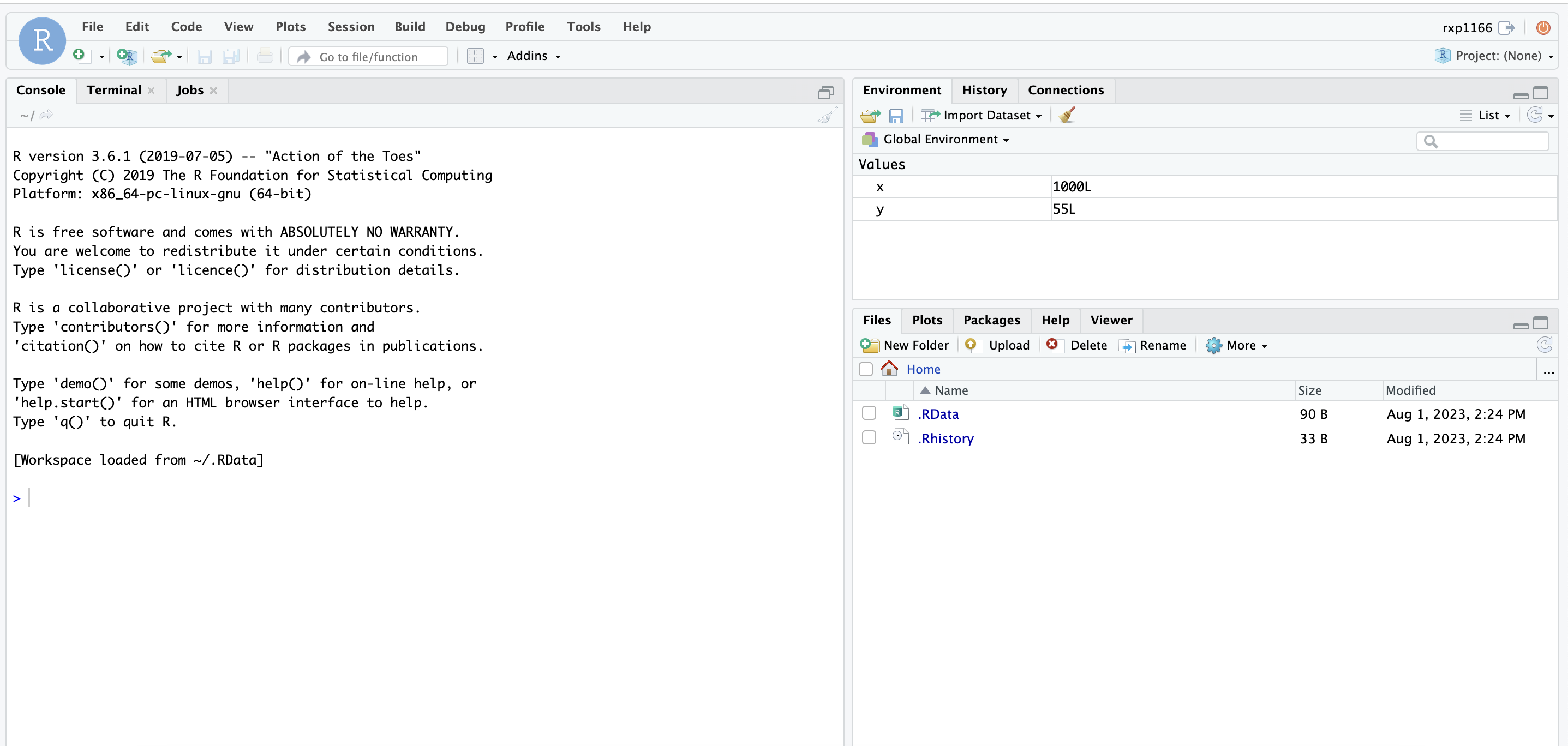
Open the browser http://pegasus.ccs.miami.edu:8787/ enter details then you will get Apptainer GUI R Studio Server and run R applications as per need.
$ singularity instance stop myserver   # Stop R GUI server
INFO:    Stopping myserver instance of /tmp/rootfs-1576125237/root
INFO:    Killing myserver instance of /tmp/rootfs-1576125237/root  (Timeout)
new lsf approach:
singularity instance stop myserver
INFO:    Stopping myserver instance of /nethome/rxp1166/tidyverse_long.sif (PID=25267)
INFO:    Killing myserver instance of /nethome/rxp1166/tidyverse_long.sif (PID=25267) (Timeout)
(base) [rxp1166@login4 ~]$ bsub -q general -P hpc -Is singularity instance start -c -B $(pwd):/home/$R_USER tidyverse_long.sif             myserver
Job is submitted to <hpc> project.
Job <28292583> is submitted to queue <general>.
<<Waiting for dispatch ...>>
<<Starting on n263>>
INFO:    instance started successfully
bsub -q general -m n263 -P hpc -Is singularity run instance://myserver echo $USER $PASSWORD
Job is submitted to <hpc> project.
Job <28292585> is submitted to queue <general>.
<<Waiting for dispatch ...>>
<<Starting on n263>>